

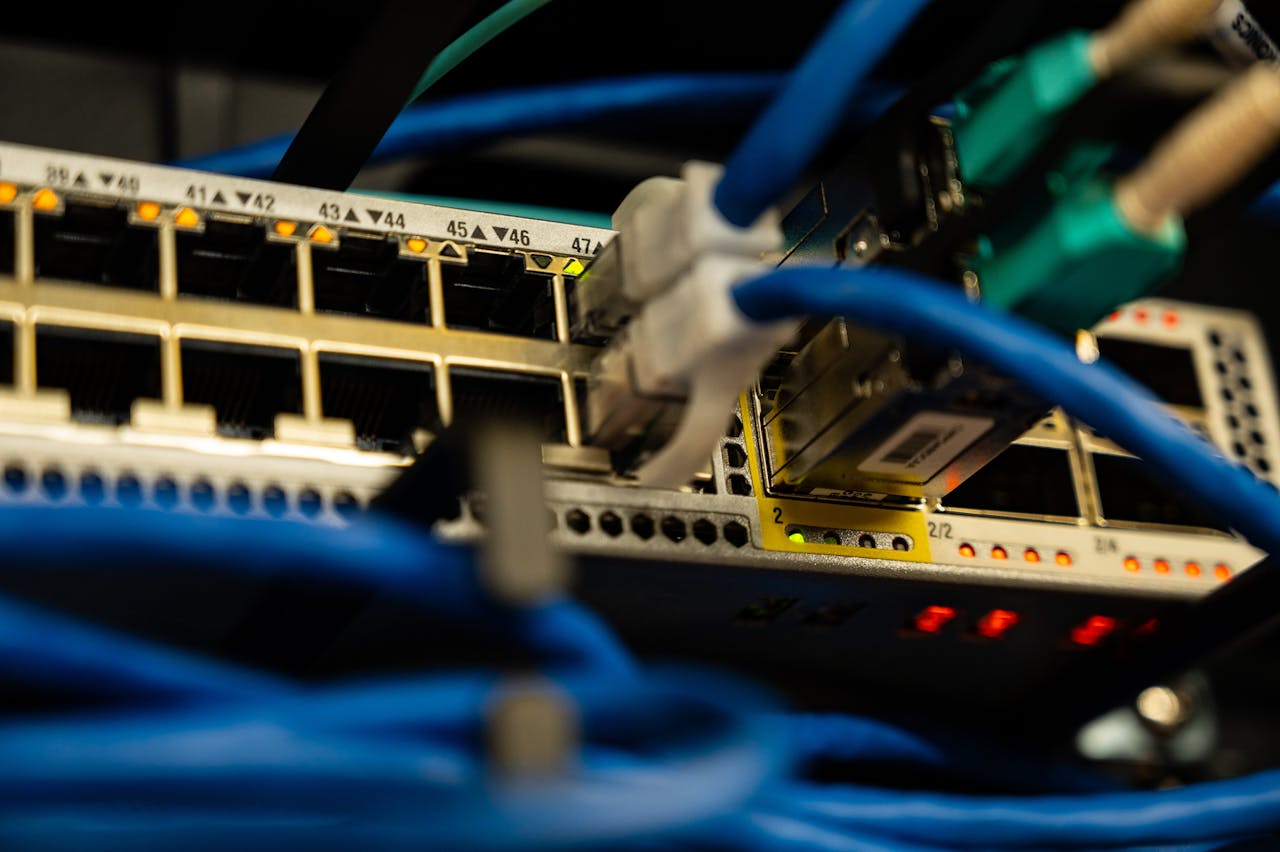
How to Troubleshoot and Resolve Packet Loss on 10GbE Switches
Packet loss on a 10 Gigabit Ethernet (10GbE) switch can significantly impact network performance, leading to slow data transfer, latency, and even downtime. Below is a comprehensive guide to identifying and resolving packet loss issues on 10GbE switches, including commands for checking port status on major switch brands and potential solutions.
1. Identify the Cause of Packet Loss
Before diving into troubleshooting, it’s important to understand the common causes of packet loss on 10GbE switches:
- Hardware Issues: Faulty cables, transceivers, or switch ports.
- Configuration Errors: Incorrect MTU settings, VLAN misconfigurations, or QoS policies.
- Network Congestion: High traffic load exceeding the switch’s capacity.
- Software Bugs: Firmware or software issues on the switch.
- Environmental Factors: Overheating or power supply issues.
2. Check Port Status on Major Switch Brands
Use the following commands to check port status and identify potential issues on switches from major vendors:
Cisco Switches
- Show Interface Status:
show interface status
This command displays the status of all interfaces, including speed, duplex, and error counters.
- Show Interface Counters:
show interface counters errors
This command shows packet drop and error statistics for each interface.
- Show Logging:
show logging
Check system logs for any error messages related to packet loss.
Juniper Switches
- Show Interface Details:
show interfaces detail
This command provides detailed information about interface status, including input/output errors and packet drops.
- Show Ethernet Switching Statistics:
show ethernet-switching statistics
Displays packet drop and error statistics.
HPE/Aruba Switches
- Show Interface Counters:
show interface counters
This command shows packet drop and error statistics.
- Show Logging:
show log
Check system logs for errors or warnings.
Dell Switches
- Show Interface Statistics:
show interface statistics
Displays packet drop and error statistics.
- Show Logging:
show logging
Check system logs for errors.
MikroTik Switches
- Interface Monitor:
interface monitor-traffic <interface-name>
Monitors real-time traffic and packet drops on a specific interface.
- Logging:
log print
Check system logs for errors.
3. Troubleshooting Steps and Solutions
Step 1: Verify Physical Connections
- Check Cables and Transceivers: Replace faulty or damaged cables and transceivers. Ensure they are compatible with 10GbE standards.
- Inspect Switch Ports: Test the switch port by connecting it to a different device or using a different port.
Step 2: Check Configuration Settings
- MTU Settings: Ensure the Maximum Transmission Unit (MTU) is consistent across all devices in the network.
- VLAN Configuration: Verify that VLANs are correctly configured and that there are no mismatches.
- QoS Policies: Review Quality of Service (QoS) policies to ensure they are not causing packet drops.
Step 3: Monitor Network Traffic
- Use Network Monitoring Tools: Tools like Wireshark, PRTG, or SolarWinds can help identify traffic patterns and congestion points.
- Check for Broadcast Storms: Excessive broadcast traffic can cause packet loss. Use storm control features on the switch to mitigate this.
Step 4: Update Firmware
- Upgrade Switch Firmware: Check the switch manufacturer’s website for firmware updates that address known issues.
Step 5: Replace or Upgrade Hardware
- Upgrade Switch Capacity: If the switch is consistently overloaded, consider upgrading to a higher-capacity model.
- Replace Faulty Hardware: If a specific port or module is faulty, replace it.
Step 6: Environmental Checks
- Check Temperature and Power: Ensure the switch is operating within the recommended temperature range and that the power supply is stable.
4. Preventive Measures
- Regular Maintenance: Periodically check and clean switch hardware.
- Traffic Analysis: Continuously monitor network traffic to identify and resolve issues before they escalate.
- Documentation: Keep detailed records of network configurations and changes.
By following these steps and using the appropriate commands for your switch brand, you can effectively troubleshoot and resolve packet loss issues on 10GbE switches. Regular monitoring and maintenance will help prevent future problems and ensure optimal network performance.


